

Licensing
Licenses for logiccloud products can be obtained from our shop or the sales department.
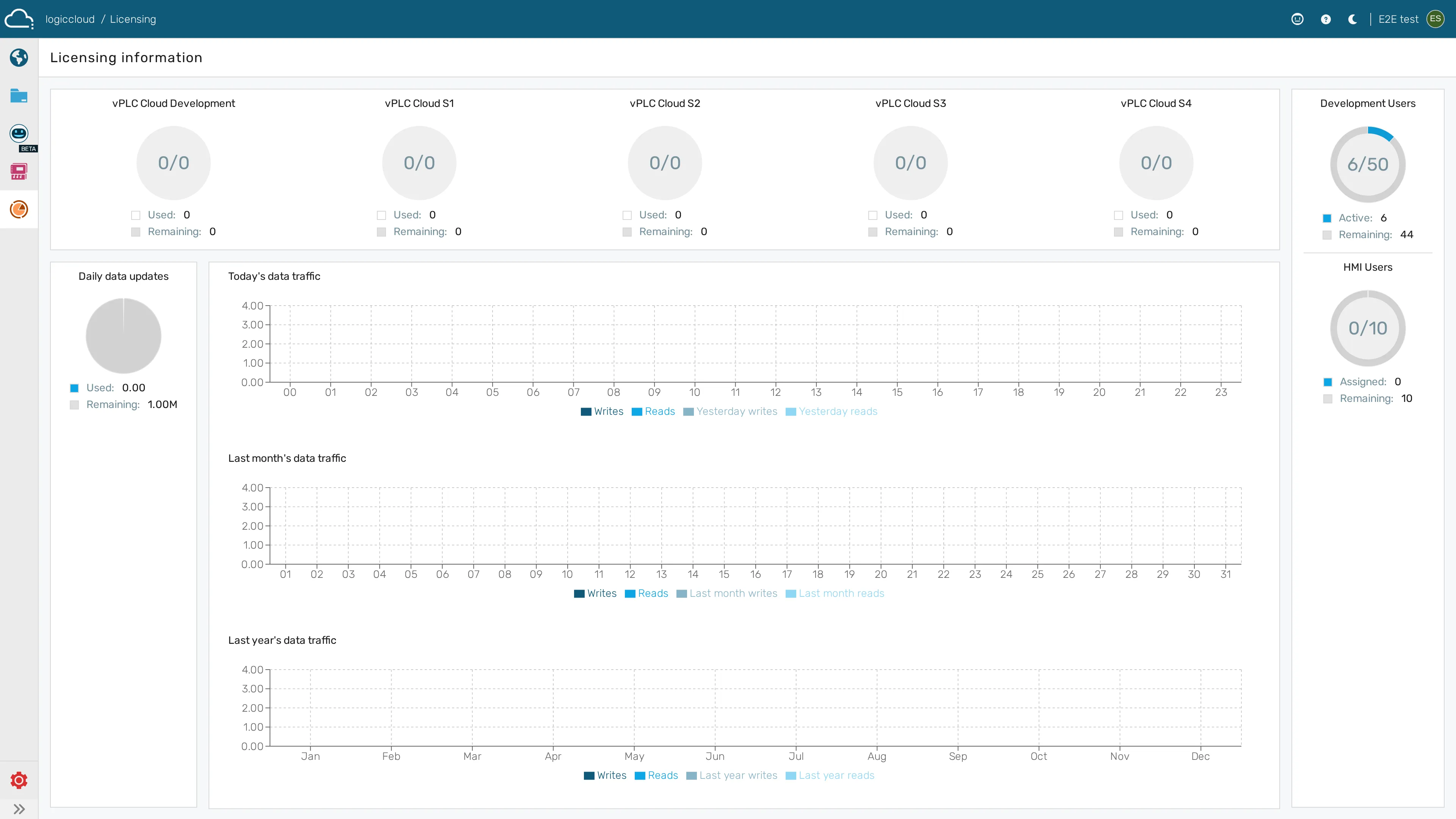
In the licensing dashboard you can see your available and used licenses for logiccloud 365, logiccloud control, portal users, and HMI users.
logiccloud Control
Section titled “logiccloud Control”In order to license a runtime on a device, you need to purchase a license key and install the correct Activation Service on your device.
On the edge device itself, the license state is surfaced live — Demo (with a countdown), Activating, or Activated — and activation events are written to the device activity log. See License status on the edge device for details.
Activation Service
Section titled “Activation Service”Please install the correct activation service for your device type. We’re rolling out activation services for different device types. If your device type is not listed here, you can still activate a license as you did before.
Device-specific activation guides:
- Activation Service for Raspberry Pi
- Activation Service for WAGO
- Activation Service for Windows
- License logiccloud on a PLCnext device
License Key
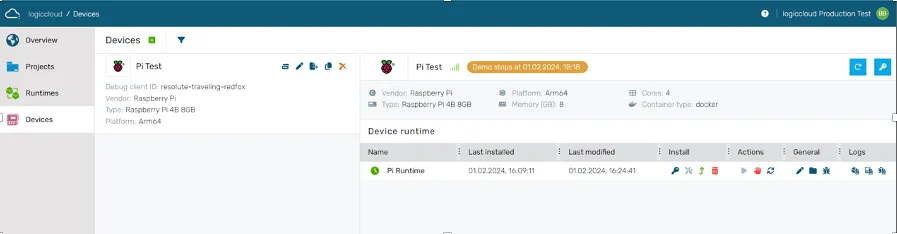
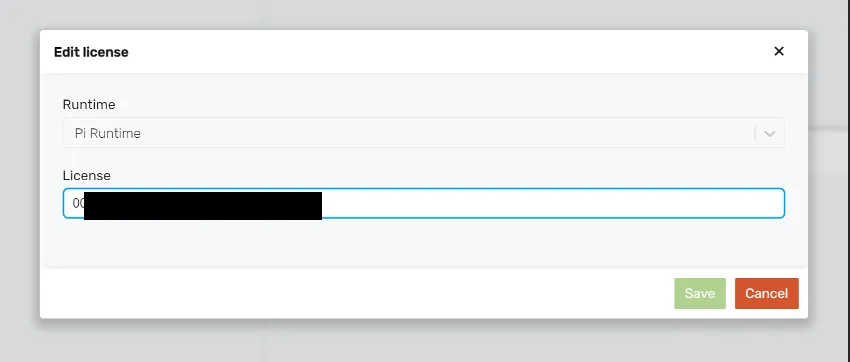
Section titled “License Key”You receive one license key per runtime for logiccloud Control, which you can enter when assigning the runtime. Without a license key, the runtimes run for 2 hours each.
After successfully saving, the new license information is displayed.
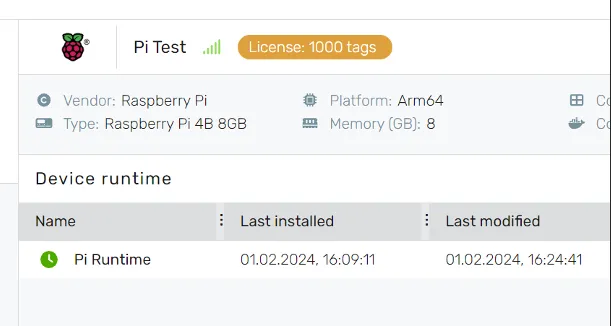
The logiccloud Runtime must be restarted for the license to take effect.
If you have subscribed to logiccloud Control Online Services, the functions are automatically available to you in the logiccloud portal.
logiccloud 365
Section titled “logiccloud 365”logiccloud 365 consists of 3 components that can be combined with each other as required:
- logiccloud Hub
- logiccloud CloudPLC
- logiccloud CloudHMI
In the logiccloud portal under Licensing you can see an overview of your available and used licenses, users and consumed hub traffic.
logiccloud Hub and CloudPLC
Section titled “logiccloud Hub and CloudPLC”Your licenses for logiccloud Hub and logiccloud CloudPLC are automatically available to you.
logiccloud HMI
Section titled “logiccloud HMI”For a user to have access to logiccloud HMI, the View HMI role must be assigned.