Ide Overview
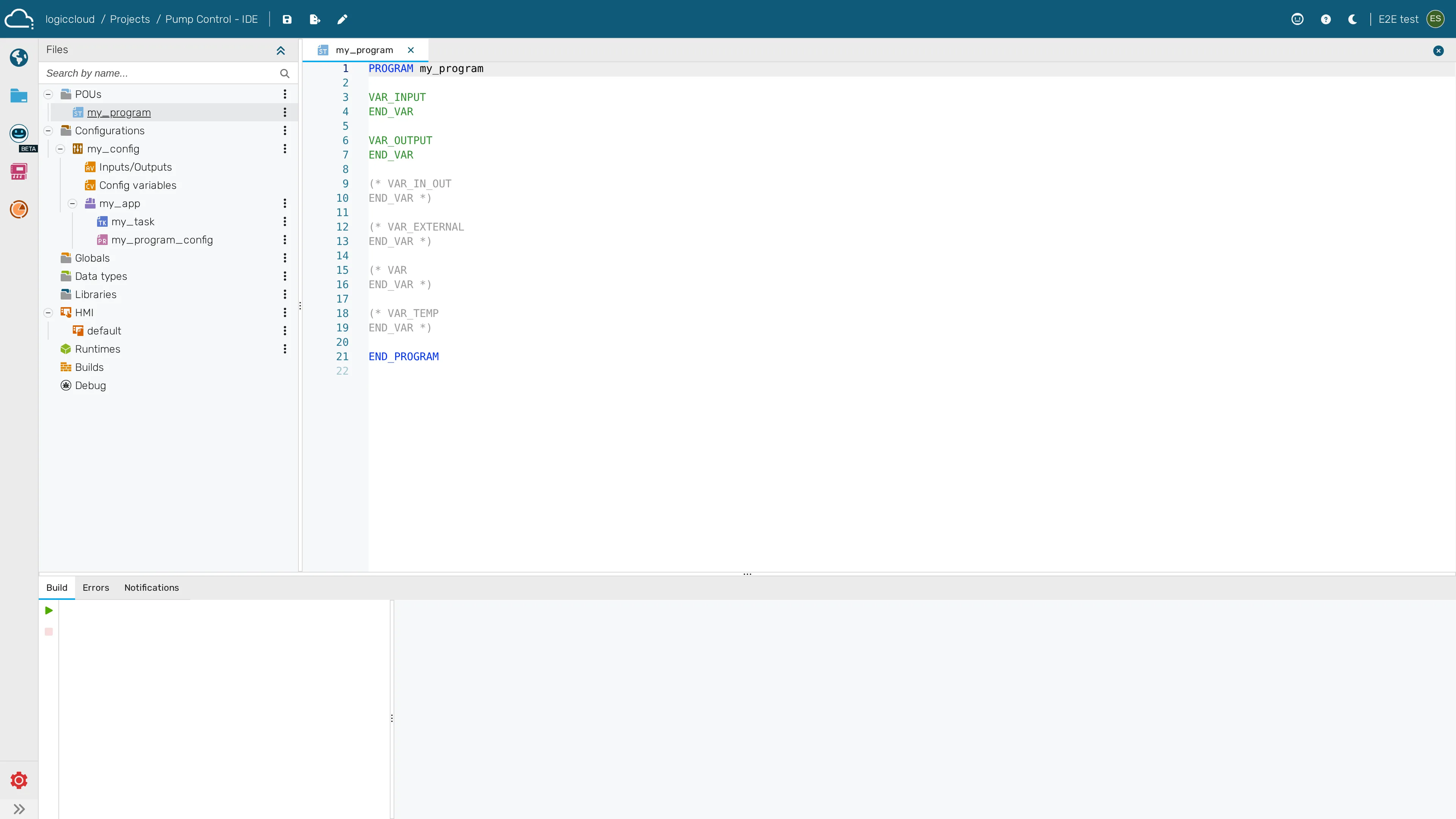
Get oriented in the logiccloud IDE — the in-browser environment where you author IEC 61131-3 logic: the project tree, the Structured Text (Monaco) editor, and the sidebar tabs.
Before you start
Section titled “Before you start”- Prerequisites: A project you can open (see Projects).
- Required role/permission: Editor/Admin to edit; a Viewer can open the IDE but the editor is read-only (see Viewer (read-only) overview).
- Settings that affect behavior:
- Project type decides which sections appear — e.g. an HMI section exists only for PLC with HMI projects (see Project types).
- Project access controls whether you can edit or only view.
- Open a project’s IDE at
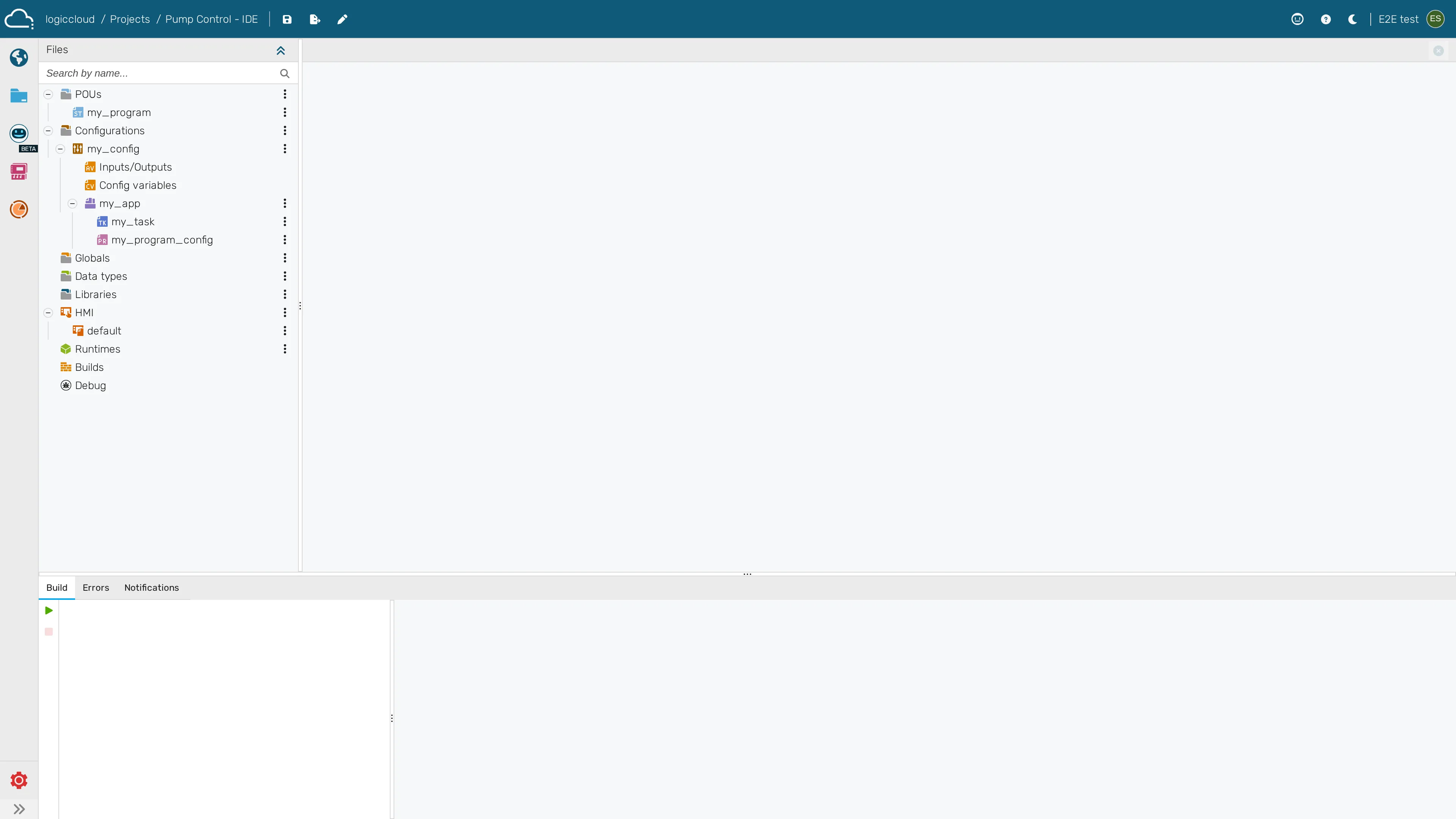
/portal/workspace/ide/:id(from/portal/projects, open a project). - Use the project tree (left) to navigate POUs, type definitions, global variables, and configuration.
- Open a POU to edit it in the Structured Text editor (Monaco) in the center.
- Use the sidebar tabs to switch between project areas and tools.
- Save your work; build from the build action when ready (see Builds).
-
Open a project to enter the IDE and view the project tree
-
Open a Structured Text POU in the code editor