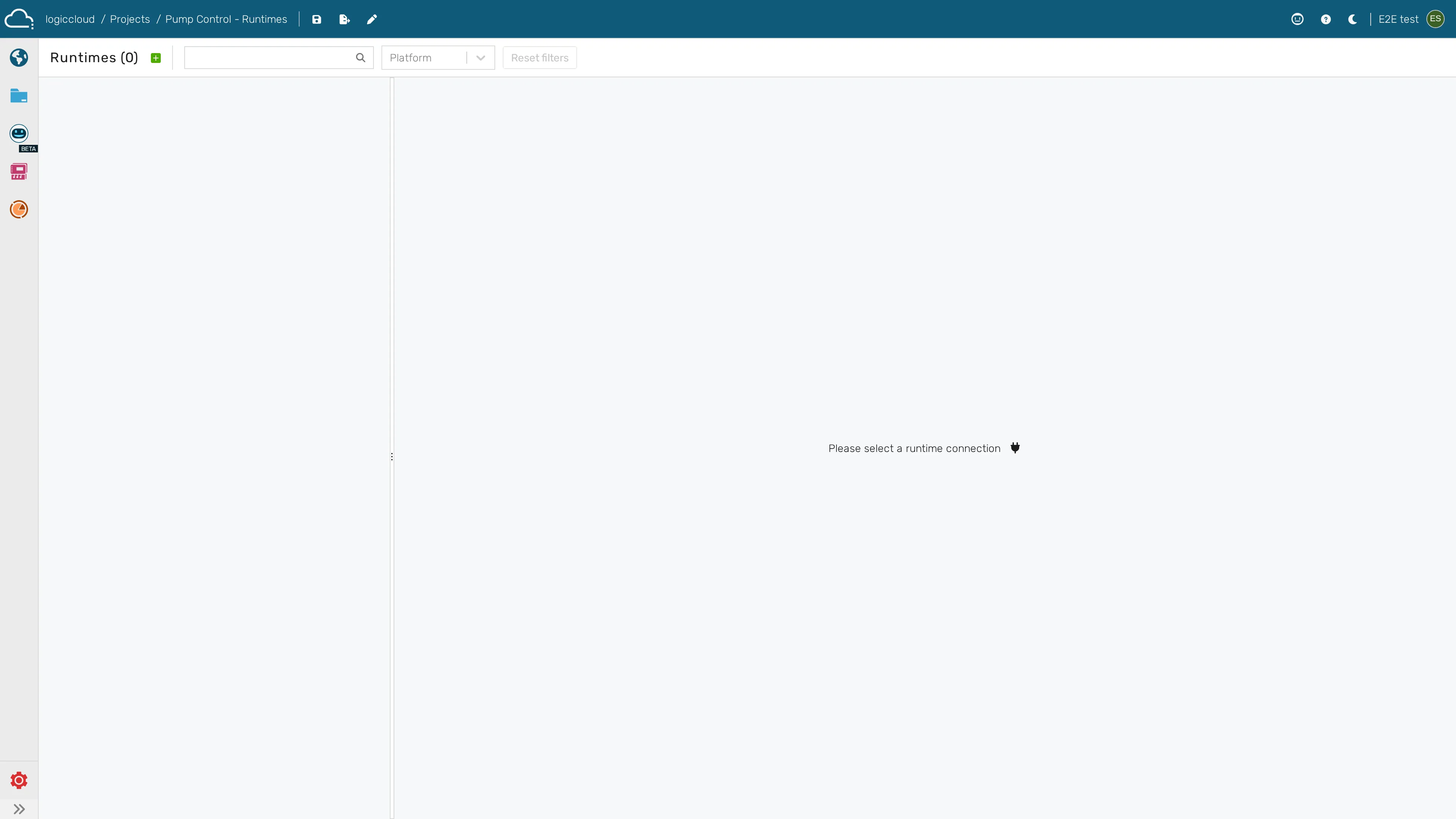
Ide Runtime Overview
Work with a project’s runtimes from the context of the IDE workflow — add, start, stop, deploy to, and delete the runtime that runs the project you are editing.
Before you start
Section titled “Before you start”- Prerequisites: A project that builds successfully (see PLC lifecycle).
- Required role/permission: Editor/Admin with runtime-management rights; Viewers are read-only.
- Settings that affect behavior:
- Active build — deploy the build you intend to run; the runtime executes the deployed build, not unsaved IDE edits.
- Runtime target — cloud vs gateway/edge (see Gateway lifecycle).
- Licensing — required to start a runtime (see Licensing).
- From the IDE (
/portal/workspace/ide/:id), build the project. - Open the project’s Runtimes at
/portal/workspace/runtimes/:id. - Add a runtime (if none exists) and select its target.
- Deploy the latest build, then start the runtime.
- Iterate: edit in the IDE → rebuild → redeploy → restart.
- Stop or delete the runtime when done.
-
Open Runtimes from the IDE to manage the project’s runtimes