

Roles and groups
In logiccloud, roles and groups are used for specific user rights.
- Roles represent specific permissions and can be assigned to each user.
- Groups represent a set of roles and can be assigned to any user, giving the user all the roles within that group.
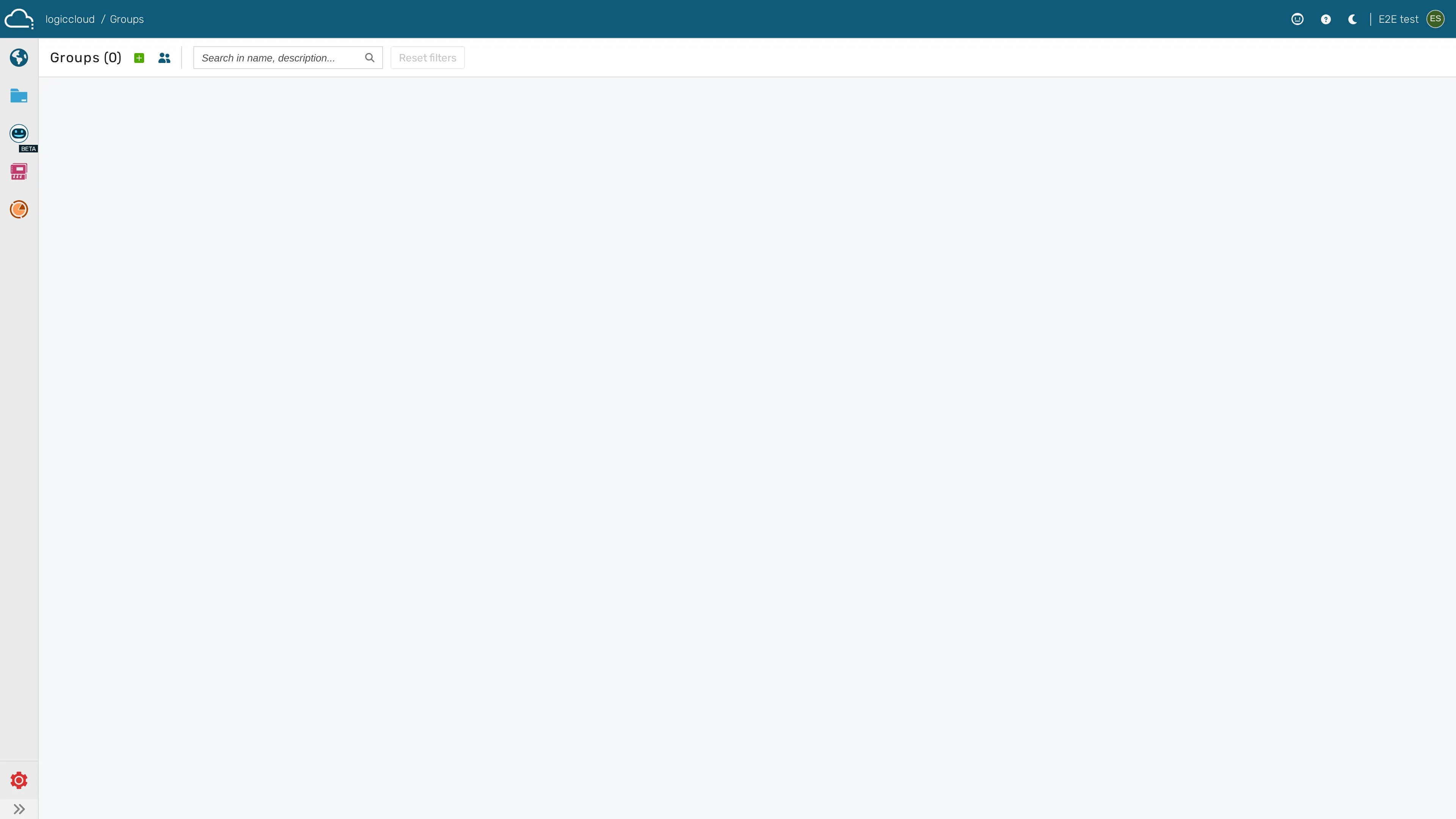
The Users groups screen lists the groups defined in your organization:
Add and remove roles to/from users
Section titled “Add and remove roles to/from users”- Navigate to settings / users.
- Hover the mouse cursor over the user you want to edit and click Roles.
- Use the drop-down to select the roles to be assigned/removed. At Effective Roles you can see all roles assigned to the user, including via groups.
- Click Save to save your changes and set the new roles.
Create groups
Section titled “Create groups”- Navigate to settings / groups.
- Click the + icon in the upper left pane.
- Enter the group name and click Save.
Edit groups
Section titled “Edit groups”- Navigate to settings / groups.
- Move the mouse cursor to the group you want to edit and click Edit group.
- Edit the group name and click Save.
Add and remove roles to/from groups
Section titled “Add and remove roles to/from groups”- Navigate to settings / groups.
- Move the mouse cursor to the group you want to edit and click Roles.
- Use the drop-down to select the roles to be assigned/removed.
- Click Save to save your changes and set the new roles.
Adding and removing users to/from groups
Section titled “Adding and removing users to/from groups”- Navigate to settings / users.
- Hover the mouse cursor over the user you want to edit and click Groups.
- Using the drop-down you can select the groups to be assigned/removed. At Effective Roles you can see all the roles assigned to the user.
- Click Save to apply your changes.