Project access
Project level access control
Section titled “Project level access control”Access to the organization’s projects can be granted or revoked individually to users. By default, the creator of a project has full access to the project.
The creator can grant access to other organization users by assigning them to the project.
Assign users to a project
Section titled “Assign users to a project”- Navigate to the project you want to assign users to.
- Click on the Users button:

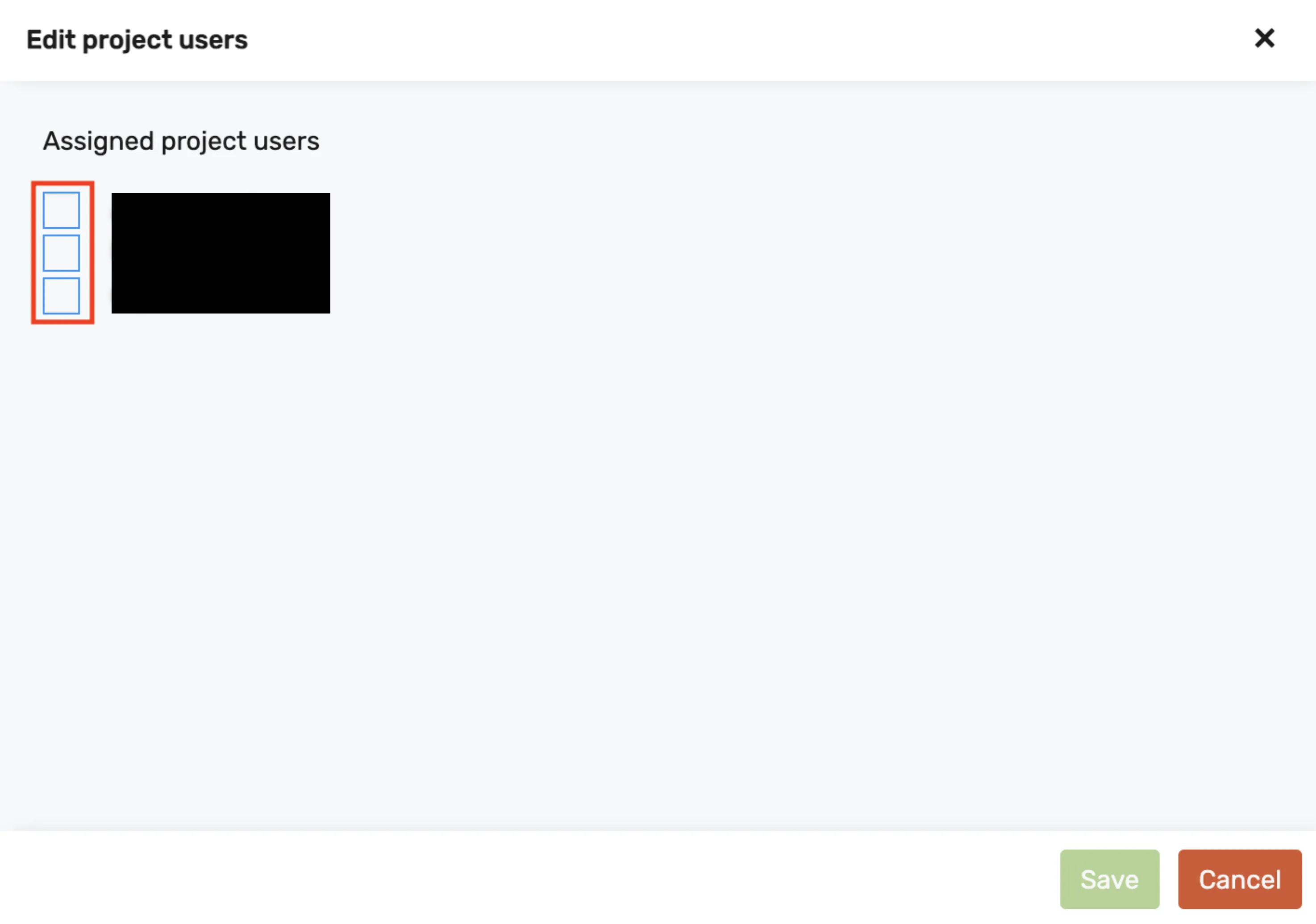
- In the dialog, select the users that should have access to the project and click Save: